Glitch Image Generator v2
Turn your photos into digital masterpieces with our advanced Glitch Image Maker.

About the Glitch Effect
Our tool uses advanced algorithms to simulate digital errors and data corruption, giving your images a trendy, cyberpunk aesthetic.
Authentic Data Corruption
We convert your image to JPEG binary and intentionally 'break' the data structure. This creates genuine digital artifacts like color shifts and pixel displacement.
Controlled Chaos
By adjusting Amount and Iterations, you control how much of the data is corrupted. The Seed ensures you can reproduce specific glitch patterns.
High Resolution Export
After corrupting the JPEG data, we decode it back to the canvas and export as PNG. This ensures your final glitch art is crisp and free from unwanted extra compression.
Glitch Art Showcase
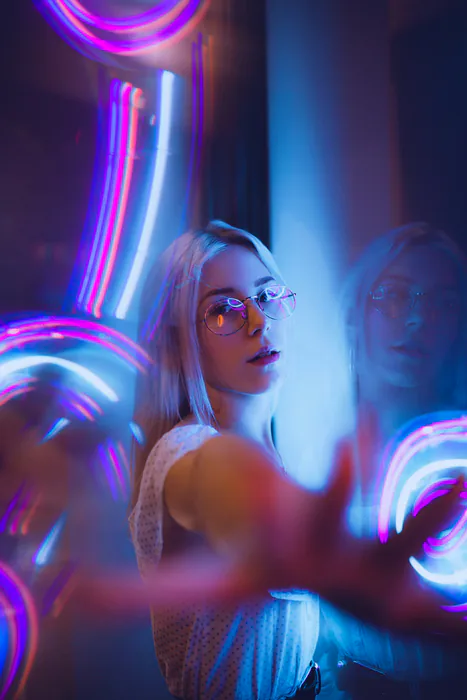
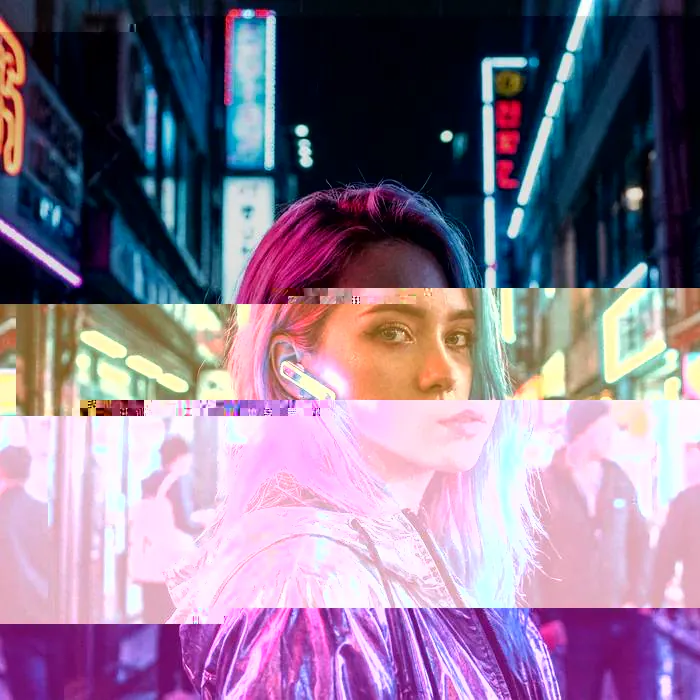
Explore stunning glitch art created with our tools. Drag the slider to compare original and glitch effects.


Choose your plan
Unlock full glitch power in one click.
Upgrade for a cleaner, faster experience: no watermark, no queues, and no ads.
Free Starter
Free plan with unlimited renders and standard processing.
What's included
- Glitch image/glitch gif generation
- Unlimited standard-priority renders
- Watermarked downloads
- No login required
Single Year Pass
≈ $2.5 / month
Save 50% vs monthly
Everything unlocked
- Glitch image/glitch gif generation
- Unlimited glitch renderings for 12 months
- No auto-renewal
- No queues—generation starts instantly
- Watermark-free HD downloads
- Ad-free experience
- All blending modes, presets and color profiles
Single Month Pass
One-time payment for 30 days of uninterrupted creation.
Everything unlocked
- Glitch image/glitch gif generation
- Unlimited glitch renderings for a full month
- No auto-renewal
- No queues—generation starts instantly
- Watermark-free HD downloads
- Ad-free experience
- All blending modes, presets and color profiles
Lifetime Access
Pay once, use forever. Limited-time offer.
Everything unlocked forever
- Glitch image/glitch gif generation
- Unlimited glitch renderings, lifetime
- No queues—generation starts instantly
- Watermark-free HD downloads
- Ad-free experience
- All blending modes, presets and color profiles
Explore Our Glitch Art Tools
Choose the perfect tool for your creative vision. Each tool offers unique features and effects to transform your images and GIFs.

Glitch Image Generator
Transform static images with powerful glitch effects, multiple blend modes, and precise control over intensity.

Glitch GIF Generator
Create dynamic glitch animations with advanced blending modes and customizable parameters for stunning GIF effects.
Glitch Image Generator V2
Next-gen image glitching with enhanced algorithms, offering more natural and artistic glitch patterns.

Glitch GIF Generator V2
Advanced GIF glitching powered by new algorithms for more diverse and creative animated effects.
All tools are free to try. Upgrade for watermark-free downloads, no queues, and no ads.
How to Use Glitch Image Generator
Create stunning glitch art in seconds with our advanced glitch image maker.
Frequently Asked Questions
Learn more about our Glitch Image Generator and Glitch Effect tool.
What is a Glitch Image Generator?
A glitch image generator is a tool that intentionally distorts digital images to create aesthetic 'glitch art'. It simulates errors, data corruption, and digital noise for a unique visual style.
How does this tool work?
It converts your image into JPEG binary data, then intentionally corrupts specific data segments based on your settings (Seed, Amount, Iterations). Finally, it decodes the damaged data back onto the canvas, creating authentic color stripes, displacements, and mosaic effects.
Is this Glitch Image Maker free?
Yes, our glitch image maker is 100% free to use. You can generate unlimited glitch images without any cost.
Does it support JPG and PNG?
Yes, we support all major image formats including JPG, PNG, and WebP. You can upload any of these formats to apply the glitch effect.
Why download as PNG?
We export your glitch art as PNG to preserve the highest quality and prevent additional compression artifacts that might occur with JPG.
What does the 'Quality' slider do?
The 'Quality' slider controls the JPEG compression level during the glitch process. Lower values (more compression) result in rougher, blockier artifacts, while higher values preserve more of the original image details.
Is my data safe?
Absolutely. All processing happens locally in your browser. Your images are never uploaded to our servers.
Can I use the images for commercial projects?
Yes, the images you generate are yours to use for personal or commercial projects.
Need Help or Have Suggestions?
We're here to help! If you encounter any issues while using our glitch art generator or have suggestions for improvement, please don't hesitate to reach out to us via email. We value your feedback and strive to provide the best experience possible.
service@glitchgenerator.comReady to Glitch Your Images?
Start creating unique digital art now with the best Glitch Image Generator.